These five articles are a must-read for every new SuiteCommerce developer. They might come in very handy even to senior NetSuite developers, too!
NetSuite’s SuiteCommerce Developers portal is a vital resource for our team to keep up with what’s going on with the SuiteCommerce platform. Also, they check for development best practices and help build custom solutions for our clients.
Important: Are you looking for top SuiteCommerce skills for your project? — Of course, you do! Learning and applying SuiteCommerce coding best practices takes time and patience. If you lack one of these, we recommend contacting one of our SuiteCommerce developers today.
1) Getting Started – NetSuite Blog
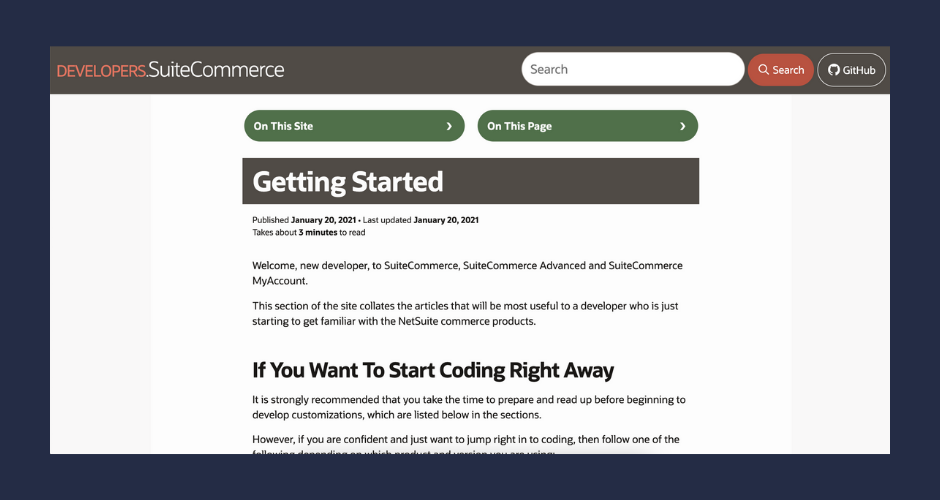
As obvious as it might sound, this is where every new SuiteCommerce developer should start:
What’s it about?
- Explains some basics and foundations.
- Provide an overview of the architecture and technologies used.
- Expose some best practices on how to extend and customize.
2) NetSuite Blog: Add a Third-Party JavaScript Library
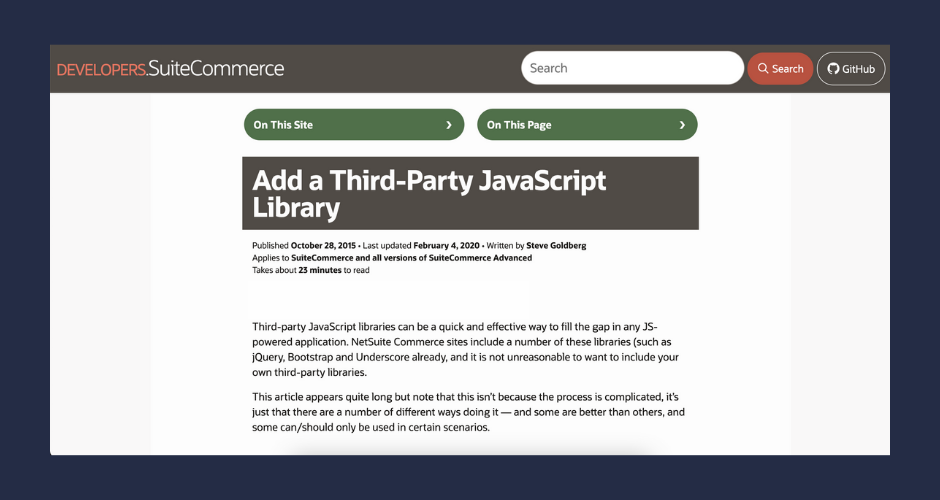
A number of customizations require developers to integrate third-party code into their site’s code. This article provides details on the best ways of adding third-party sources to your site.
What you’ll learn?
- What’s the best way to store the file (e.g., do you create your own module to store it, or do you call it from a third-party URL?)
- What’s the best way to call it (eg AJAX, AMD / as a dependency?)
- Adding a Library Using an Extension
- How to add a Non-AMD Compatible Library to an Extension
- Adding a non-AMD-Compatible Library with Shimming
3) Troubleshoot with your Browser’s Developer Tools
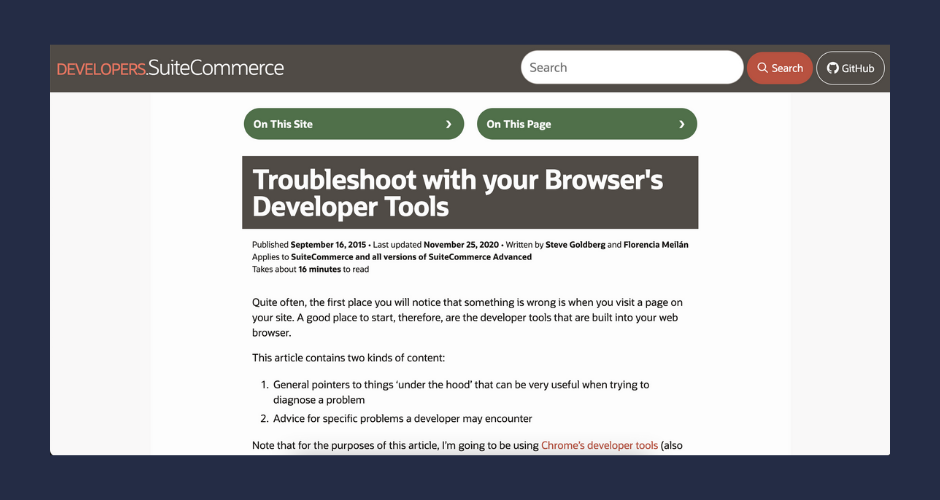
It can be tricky to figure out what to do when something on your site goes wrong. A good place to start is right there in your browser, and there are plenty of tools built into your web browser that can aid NetSuite developers in troubleshooting errors.
What it contains
- General pointers to things ‘under the hood’ that can be very useful when trying to diagnose a problem
- Advice for specific problems a developer may encounter
4) Data Flow
Data is the lifeblood of any web store. Within the architecture of a NetSuite Commerce web store, you need to be aware of proprietary architecture and nuances. This article introduces models, services, and service controllers and touches on Suitelets and other ways of getting data to and from the NetSuite servers.

Topics covered:
- Key Backbone concepts, such as models, views, collections
- Services, service controllers, the commerce API, and more key SuiteCommerce concepts.
- Key NetSuite concepts, such as records, SuiteScript and Suitelets
- Permissions and performance tuning
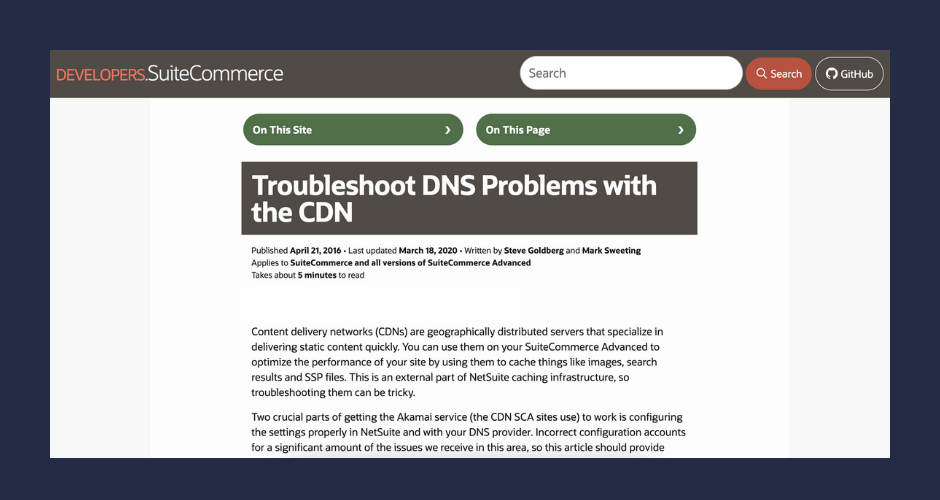
5) Troubleshooting DNS Problems With the CDN
The next one provides tools for troubleshooting DNS problems with CDN. Performance improvements are always important, and a CDN could help you with them.
What does this post explain?
- How to debug and necessary checks for correct configuration
- Set up.
- Common problems.
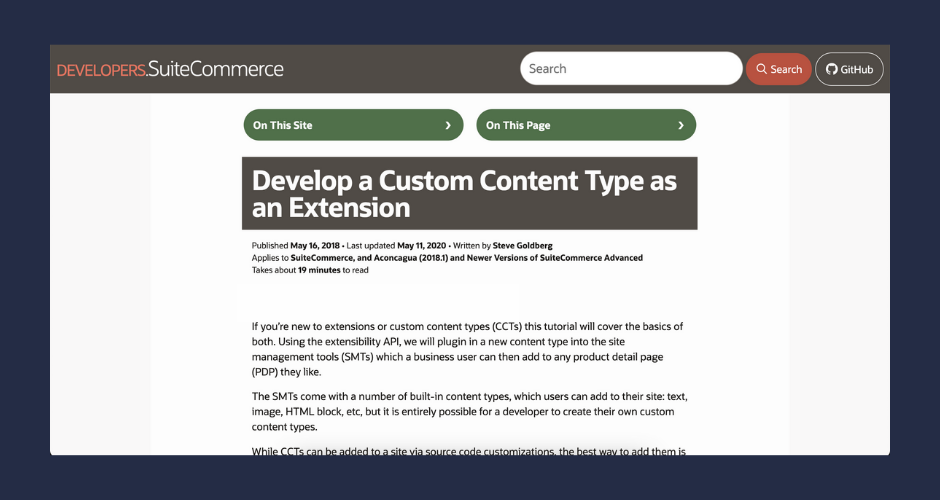
Bonus NetSuite Blog Article: Learn How to Develop an Extension for SuiteCommerce
This is a detailed guide for developers looking to understand the extensibility framework. If you’re new to extensions or custom content types (CCTs), this tutorial will cover the basics of both. Using the extensibility API, we will plugin in a new content type to the site management tools (SMTs), which a business user can then add to any product detail page (PDP) they like.
What does this post explain?
- Set up the dev environment.
- Start extension development.
- How to create the entry point file, the view, the template, the saas file, the manifest, and the assets
- Set up custom record type and CMS content type.
- How to deploy and test
- Troubleshooting
Becoming a skilled NetSuite developer takes time and patience. But if you need help on your SuiteCommerce Advanced project, our certified SuiteCommerce developers have implemented countless NetSuite websites, and they can help you get there faster by following coding best practices. Contact us today to learn more!
Editor’s note: this post was initially published in December 2016 and updated for accuracy and comprehensiveness.

Don’t forget to check out our NetSuite eCommerce services too: