The SuiteCommerce Blog Extension is one of many useful extensions provided by Netsuite. These additional features add functionality and can genuinely enhance your eCommerce website, according to our SuiteCommerce Developer team.
According to a 2022 HubSpot study, companies that publish blogs get 55% more traffic and have 434% more pages indexed by search engines, which is more than enough reason to give it a try! Today, we are focusing exclusively on the SuiteCommerce Blog Extension and how to get started with it.
The SuiteCommerce Blog feature lets you create blog posts and categorize them using the Site Management Tools. You can add images and rich text, include post previews, and determine the categories for the blog list. You can find all the technical aspects of the SuiteCommerce blog extension, by clicking on this link!
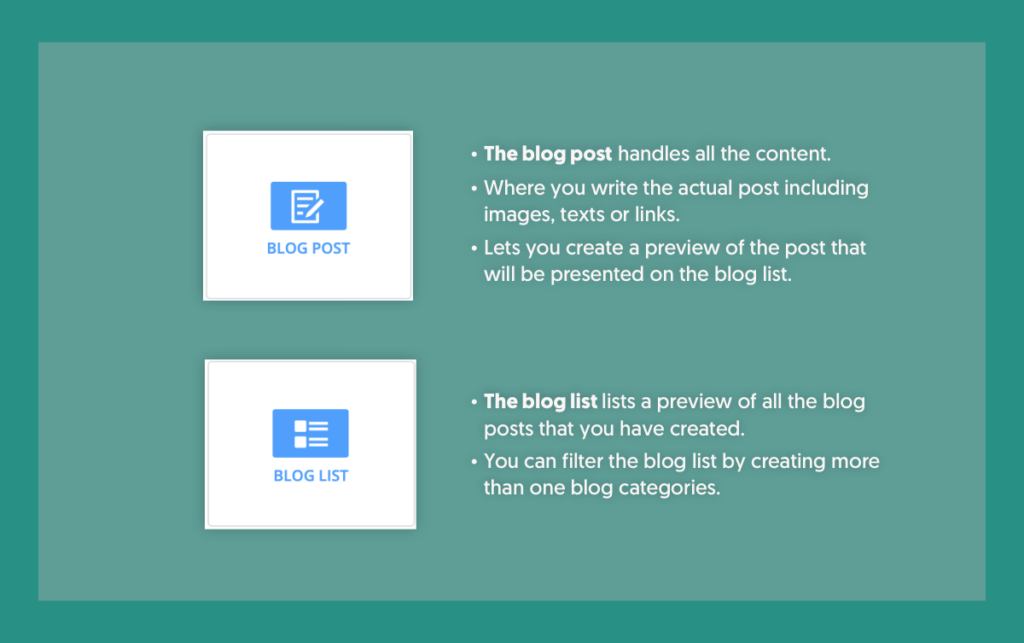
To start with, you need SuiteCommerce or SCA enabled in your account. Next, you need to install the bundle, and you should create a blog category in the backend. There are two content types: the blog post and the blog list.
Here is a small demo of how it works. We start at the site management tool. And because the blog works on a CMS, it’s easy for everyone to use!
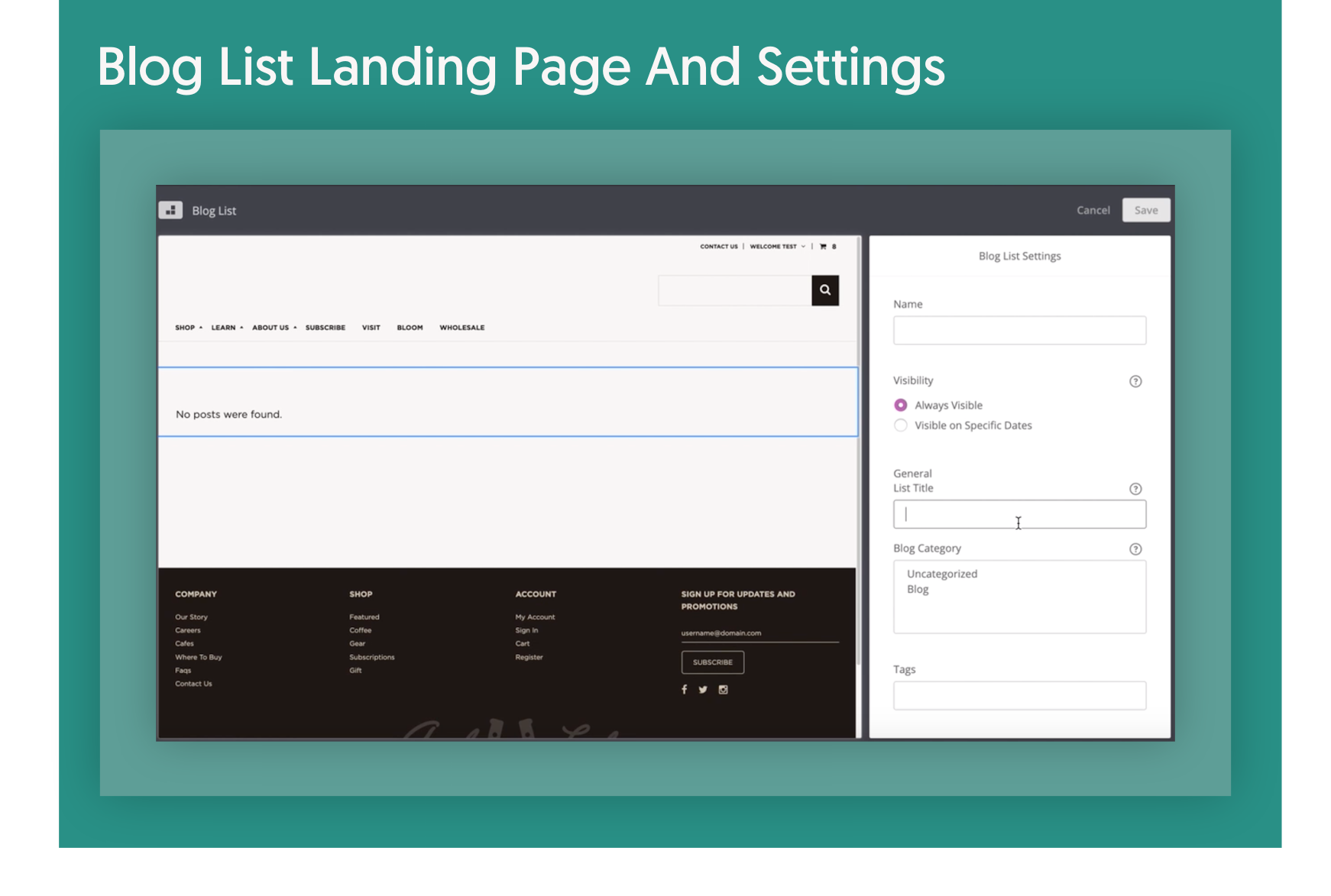
The first thing you need to do is create a main landing page for your blog. Then you need to create a specific landing page for the post content. As you can see, you can easily drag-and-drop the blog list area to the CMS.
Here is where you select on which blog category you’re going to source the post on your blog. You can have several categories listed on one blog page. Right now, there are no posts, so nothing is showing yet. Below you can see the blog list landing page and the blog post landing page.
To start creating a blog post, you first need to set all the information specific to the post, such as title, main image, and author. Tip: You can drag-and-drop images from your computer!
For the body of the blog post, you can use the built-in editor, which has all the same features as any standard editor. Or, if you prefer to edit with HTML, you can do that too!
Last but not least, in the Blog Preview section, you will need to enter the post’s name, a brief description and a text for the clickable button.
As with any pre-built extension, there are some advantages and disadvantages. But it very much depends on the needs of each individual user. Let’s see the pros and cons.
You can’t edit the structure or add fields in the extension because it’s a NetSuite Extension; we can’t work on the script. We can only work on the templates or styling of the extension.
If we want to add more fields, we would need to create our own blog extension. So if we want to change or adjust multiple things, we can use NetSuite’s extension as a base and work around it.
One last thing: please bear in mind that until now, there’s no option to grant blog access to someone who is not an administrator. The specific role of Blog Manager does not yet exist, but we’re positive that it’s only a matter of time!
SuiteCommerce Extensions make everything easier for merchants. So if in addition to the Blog you’re looking for more out-of-the-box solutions, check out the chart below (and click on it for more info) showing some of NetSuite’s folder native extensions applicable for SCA Aconcagua and later versions. Just a little heads up: there are a lot more than those pictured below.
I encourage you to try and have fun with this feature. If you have any questions or want to learn more about the SuiteCommerce blog extension, contact our team of SuiteCommerce developers!
Don’t forget to check out our NetSuite eCommerce services too:
NetSuite hit the stage in Las Vegas a year ago and introduced NetSuite The next… Read More
For mid-market B2B brands running NetSuite, two platforms dominate the storefront decision: SuiteCommerce Advanced and… Read More
SuiteCommerce Advanced development is one of the more specialized skills in the eCommerce agency market.… Read More
One of the most consequential SEO decisions for eCommerce merchants is how to structure product… Read More
BigCommerce has become a leading choice for B2B brands building online storefronts. Its B2B Edition,… Read More
Based on an analysis of 7 million websites, SiteLock reported that websites experience an average… Read More